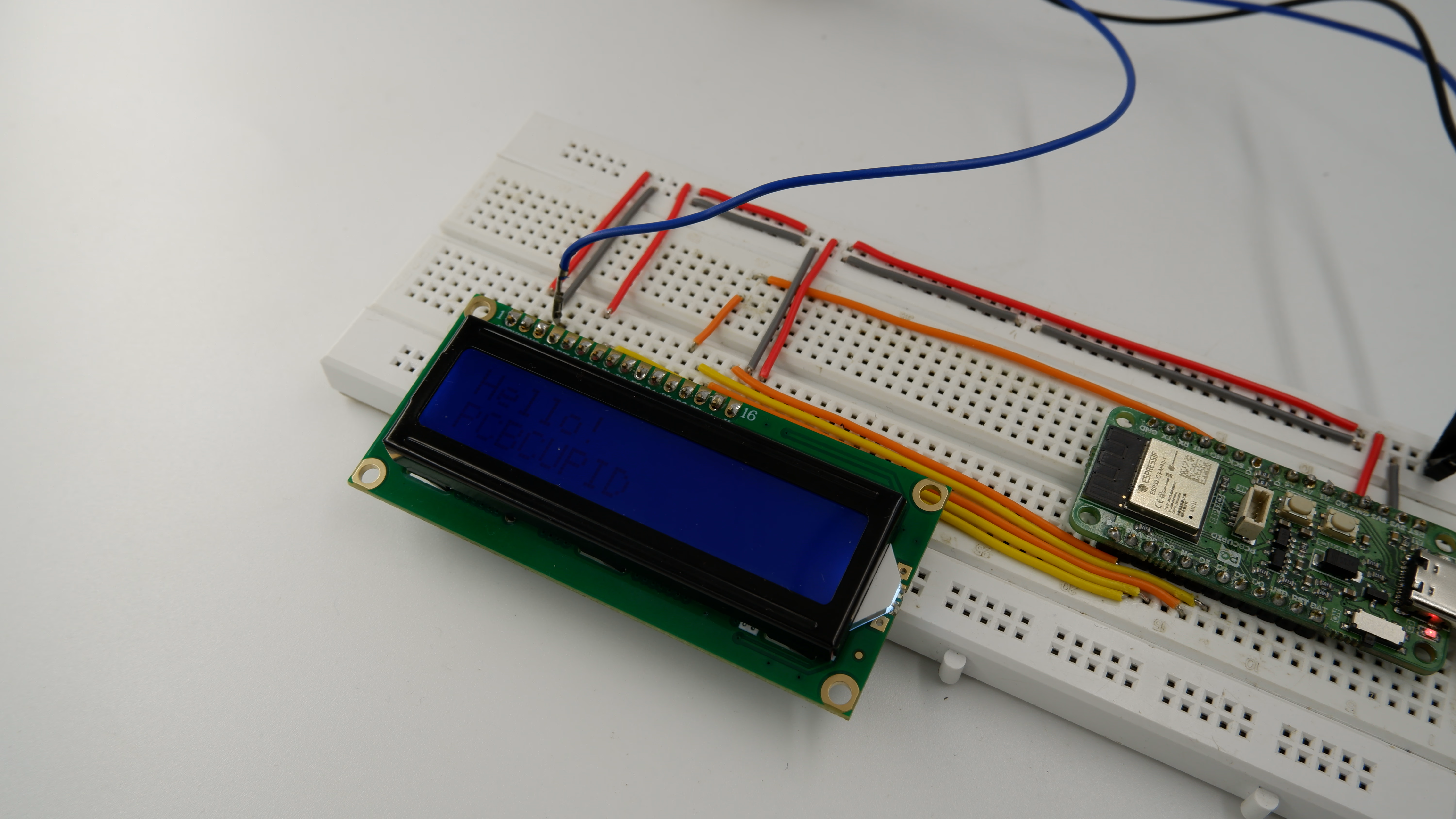
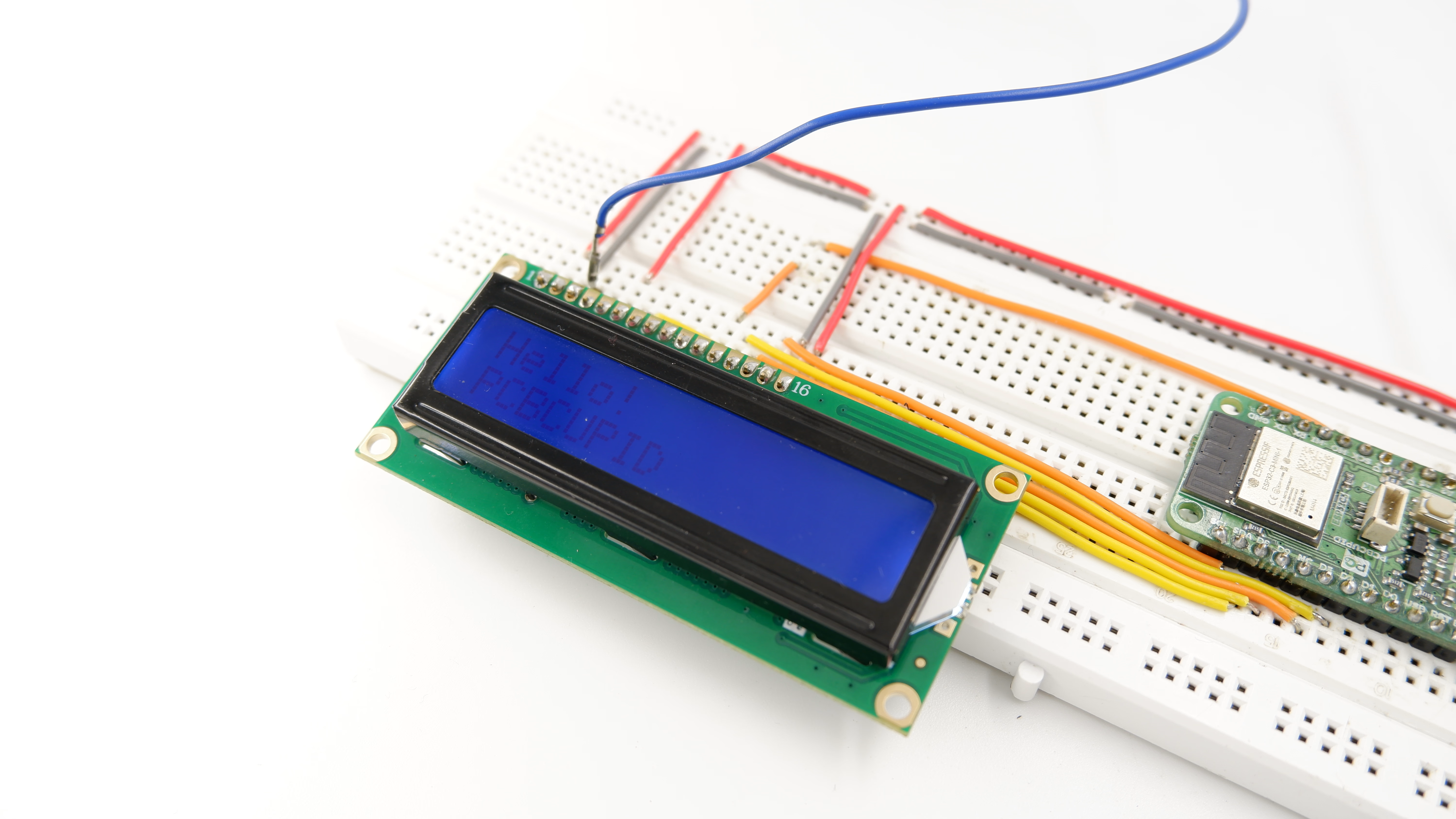
A 16×2 LCD is a character-based display capable of showing 16 characters per line on 2 lines, widely used in microcontroller projects for displaying text, numbers, or simple symbols.When connected directly to a microcontroller, the LCD uses parallel communication, requiring multiple GPIO pins for control and data transfer.
For the Pcbcupid Glyph S3 to appear under Tools > Board > esp32, the esp32 board version installed in the Arduino IDE should be greater or equal to 3.1.0.
Tools > Port and select the port connected to your GLYPH.
Tools > USB CDC on Boot >Enabled
If USB CDC on BOOT not enabled, you won’t be seeing any serial data on Arduino IDE.
Upload the Code
Click the upload button (➡️ icon) or use the shortcut CRTL + U in Arduino IDE to upload the code to the board.
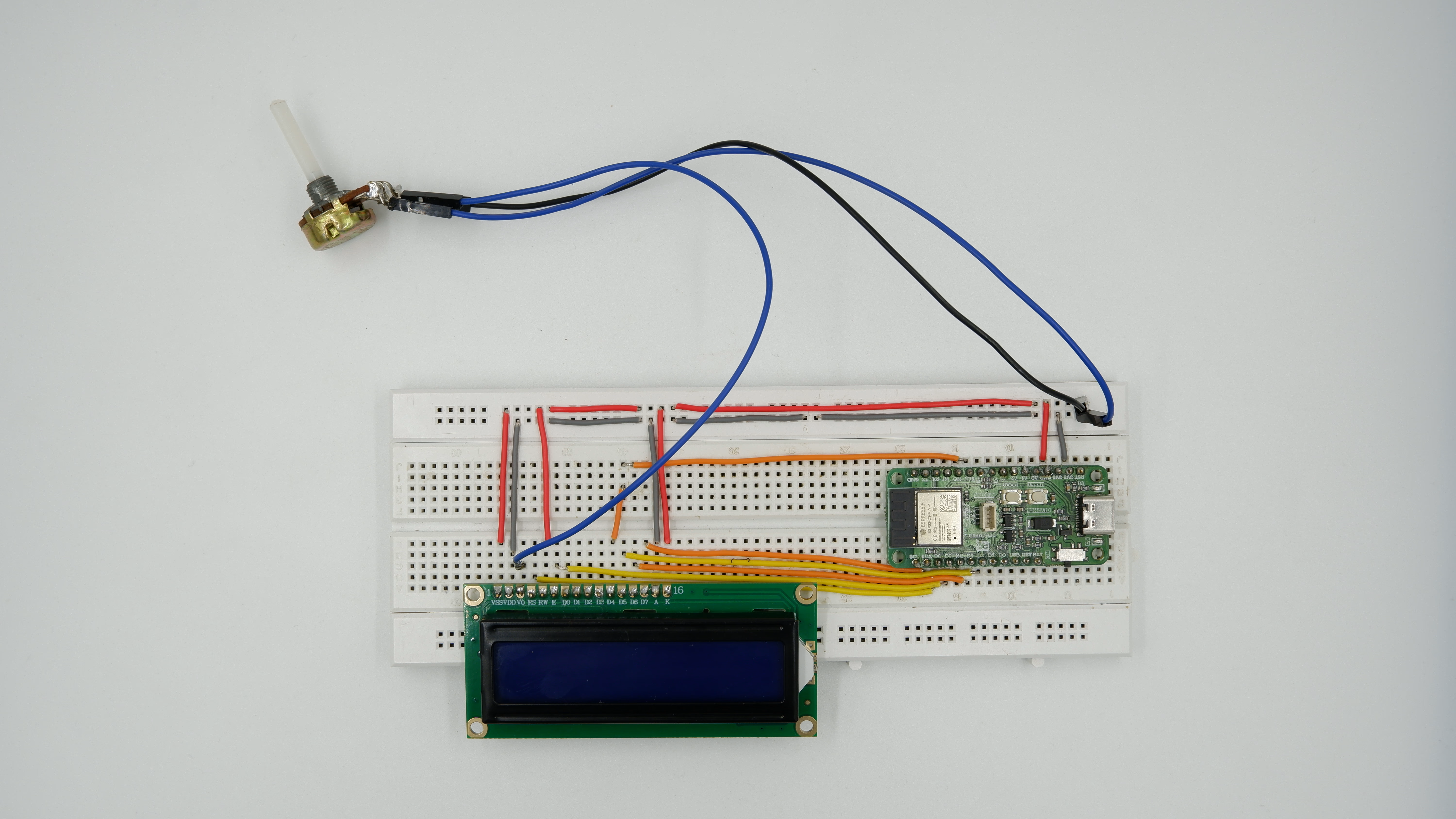
_result.jpg)