Interface the ultra-low-power T5848 I2S MEMS microphone module with the Pcbcupid GLYPH-C3 board using native ESP32 I2S drivers, featuring Acoustic Activity Detect (AAD), WAKE, THSEL, and 1.8V pads.
The G-Sense Single-Channel Microphone (T5848) is a high-performance, bottom-port digital I2S MEMS microphone module powered by the TDK InvenSense T5848 IC. Designed specifically for always-on voice recognition, keyword spotting, edge AI, and ultra-low-power IoT applications, it combines studio-quality dynamic range with ground-breaking power efficiency.Unlike traditional MEMS microphones, the T5848 includes built-in hardware Acoustic Activity Detect (AAD). This feature monitors the acoustic environment while sipping as little as 20 µA, instantly waking your microcontroller from deep sleep via the dedicated WAKE interrupt pad whenever sound is detected.
The module exposes a 6-pin main connection header for standard I2S communication, along with dedicated auxiliary solder pads on the PCB for advanced power and wake features.
The PCB features three dedicated breakout solder pads for low-power edge computing and custom power configurations:
Solder Pad
Function & Description
WAKE
Acoustic Activity Detect (AAD) Interrupt: Active-high output signal that flags acoustic energy detection. Connect this pad to an external interrupt or RTC wake-up GPIO on the GLYPH board to wake the system from deep sleep.
THSEL
Threshold Select: Configures the acoustic detection threshold / sensitivity of the AAD engine, determining the sound pressure level required to trigger the WAKE pin.
1V8
1.8V Power Rail: Direct access to the microphone’s native 1.8V operating rail, enabling true ultra-low-power operation and direct compatibility with 1.8V low-power microcontrollers and sensor hubs.
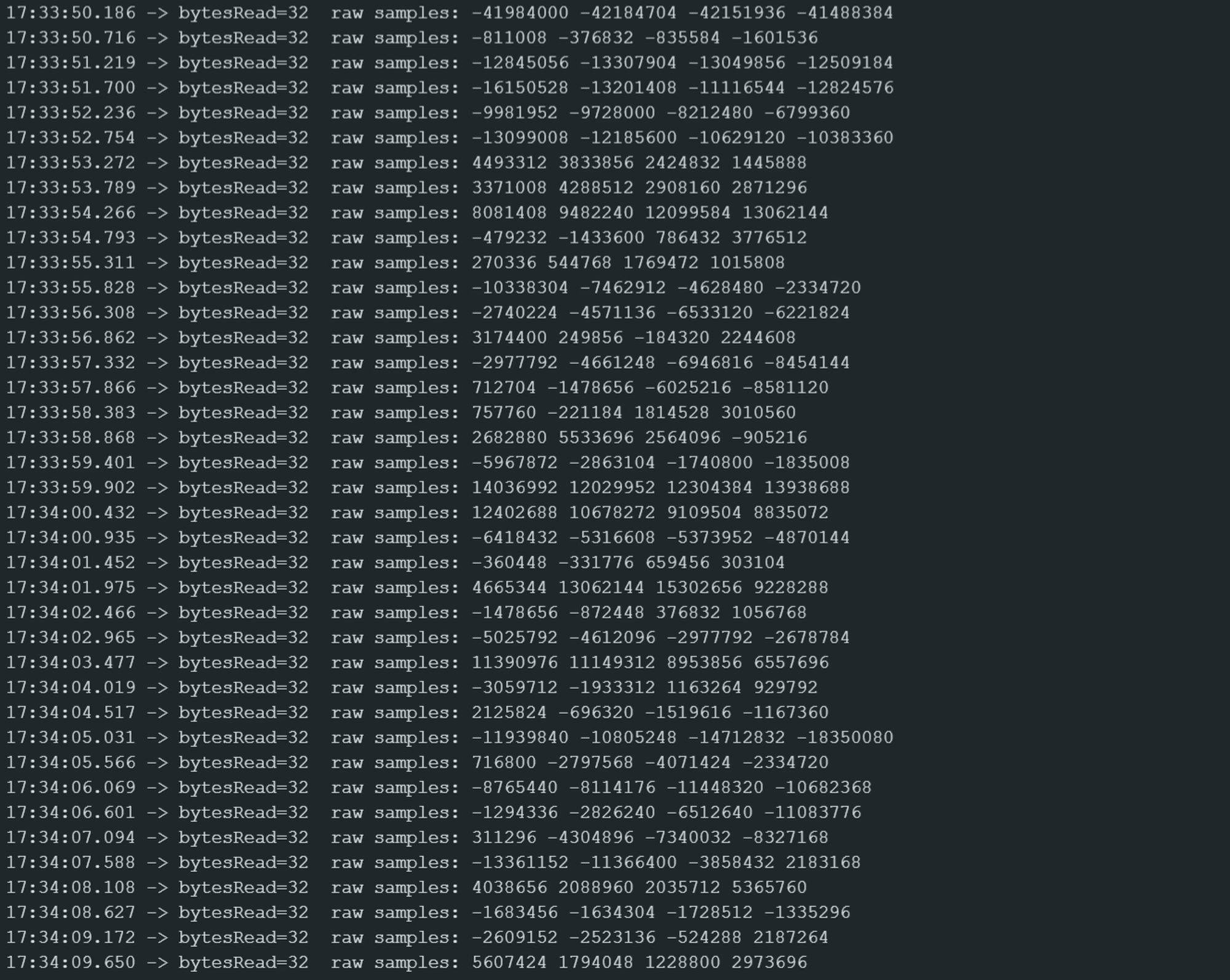
Open the Arduino IDE and paste the following sketch. This sketch uses the native ESP-IDF I2S driver built into the ESP32 Arduino Core to configure the master I2S receiver, read 32-bit digital audio samples from the T5848, and print sample amplitudes to the Serial Monitor:
 Connect the module to the GLYPH-C3 as follows: