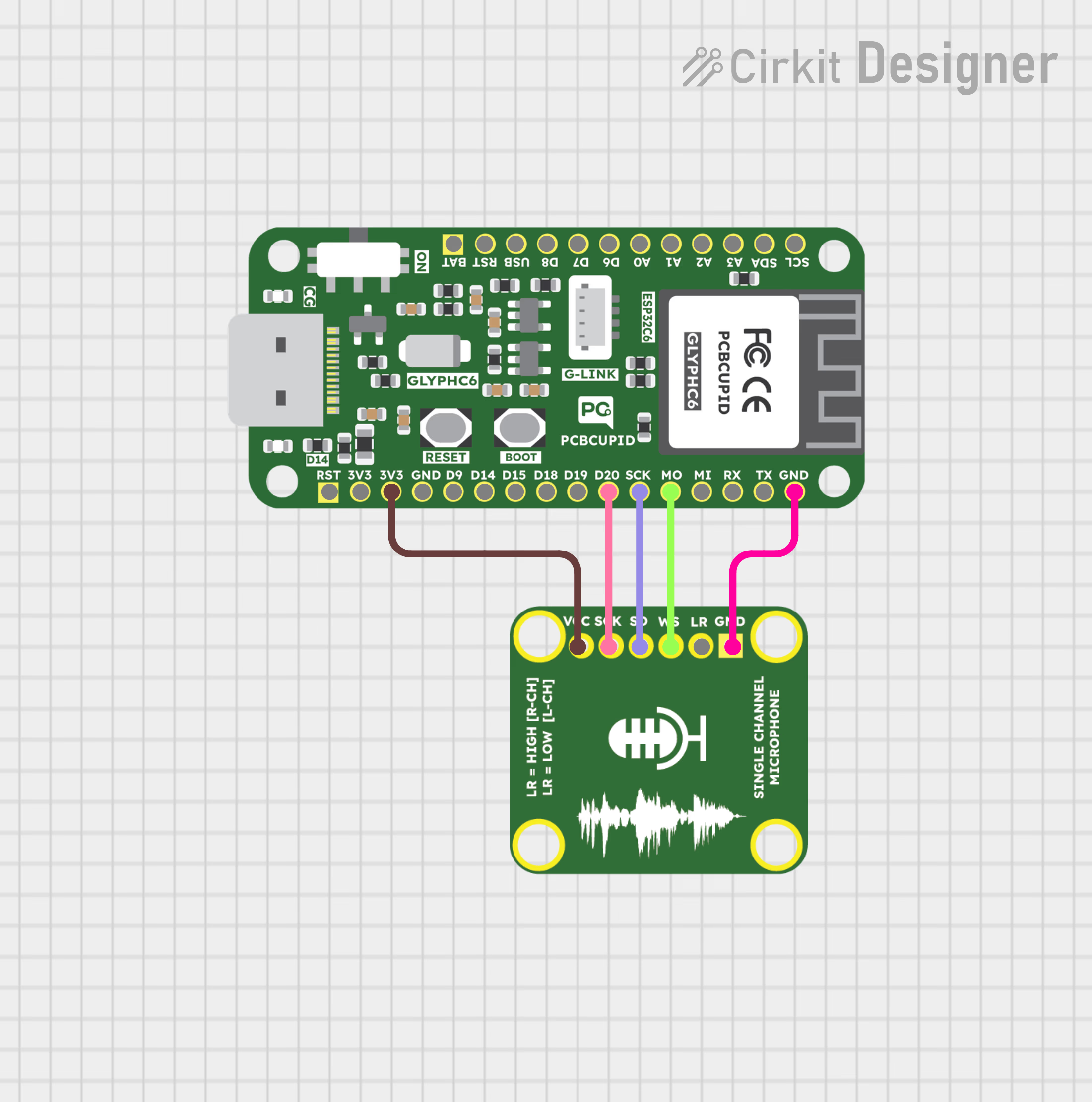
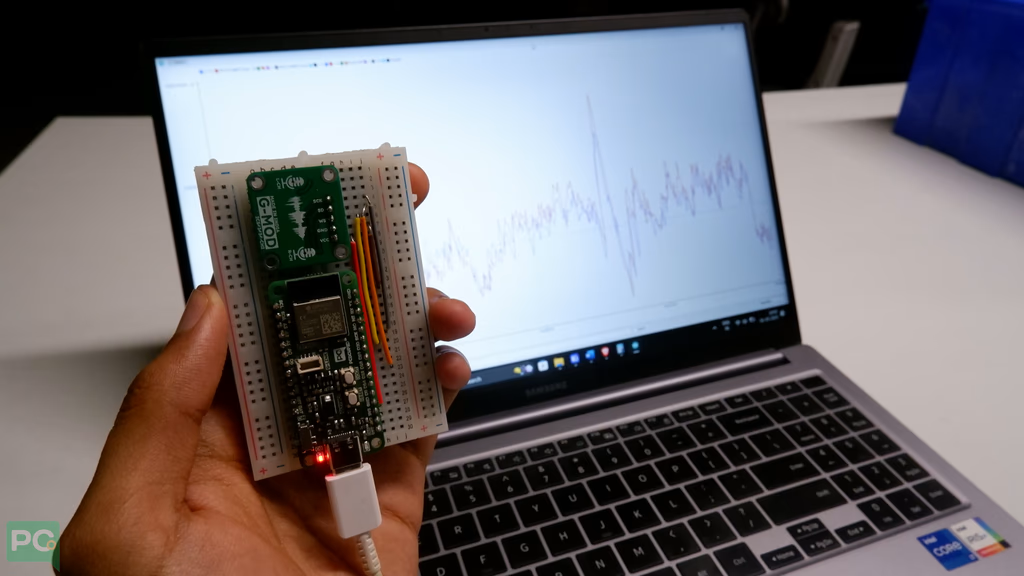
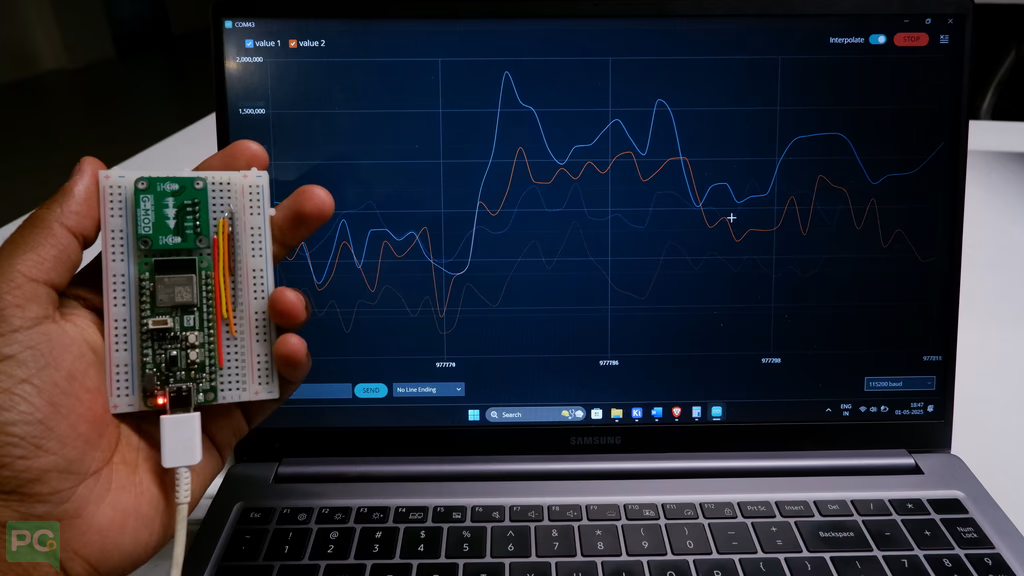
Interface a single-channel ICS43434 I2S MEMS microphone with a Glyph ESP32 development board to capture digital audio for voice and sound projects.
A single-channel microphone is a device designed to capture audio and output it as a single-channel signal (mono). This is the most common type of microphone used in applications like speech, music recording, or public addressing systems.The ICS-43434 digital I2S output bottom port microphone. The complete ICS-43434 solution consists of a MEMS sensor, signal conditioning, an analog-to-digital converter, decimation and antialiasing filters, power management, and an industry standard 24-bit I²S interface. The I²S interface allows the ICS-43434 to connect directly to digital processors, such as DSPs and microcontrollers, without the need for an audio codec in the system.The ICS-43434 has multiple modes of operation: High Performance, Low Power (AlwaysOn) and Sleep. The ICS-43434 has high SNR and 120 db SPL AOP in all operational modes.
End of Life (EOL) Notice: The ICS43434 sensor has reached its End of Life. For more details and suggested replacements, please refer to the official TDK InvenSense Product Page.
For the Pcbcupid Glyph C3 to appear under Tools > Board > esp32, the esp32 board version installed in the Arduino IDE should be greater or equal to 3.1.0.
Tools > Port and select the port connected to your GLYPH.
Tools > USB CDC on Boot >Enabled
If USB CDC on BOOT not enabled, you won’t be seeing any serial data on Arduino IDE.
Upload the Code
Click the upload button (➡️ icon) or use the shortcut CRTL + U in Arduino IDE to upload the code to the board.