Communication Pins
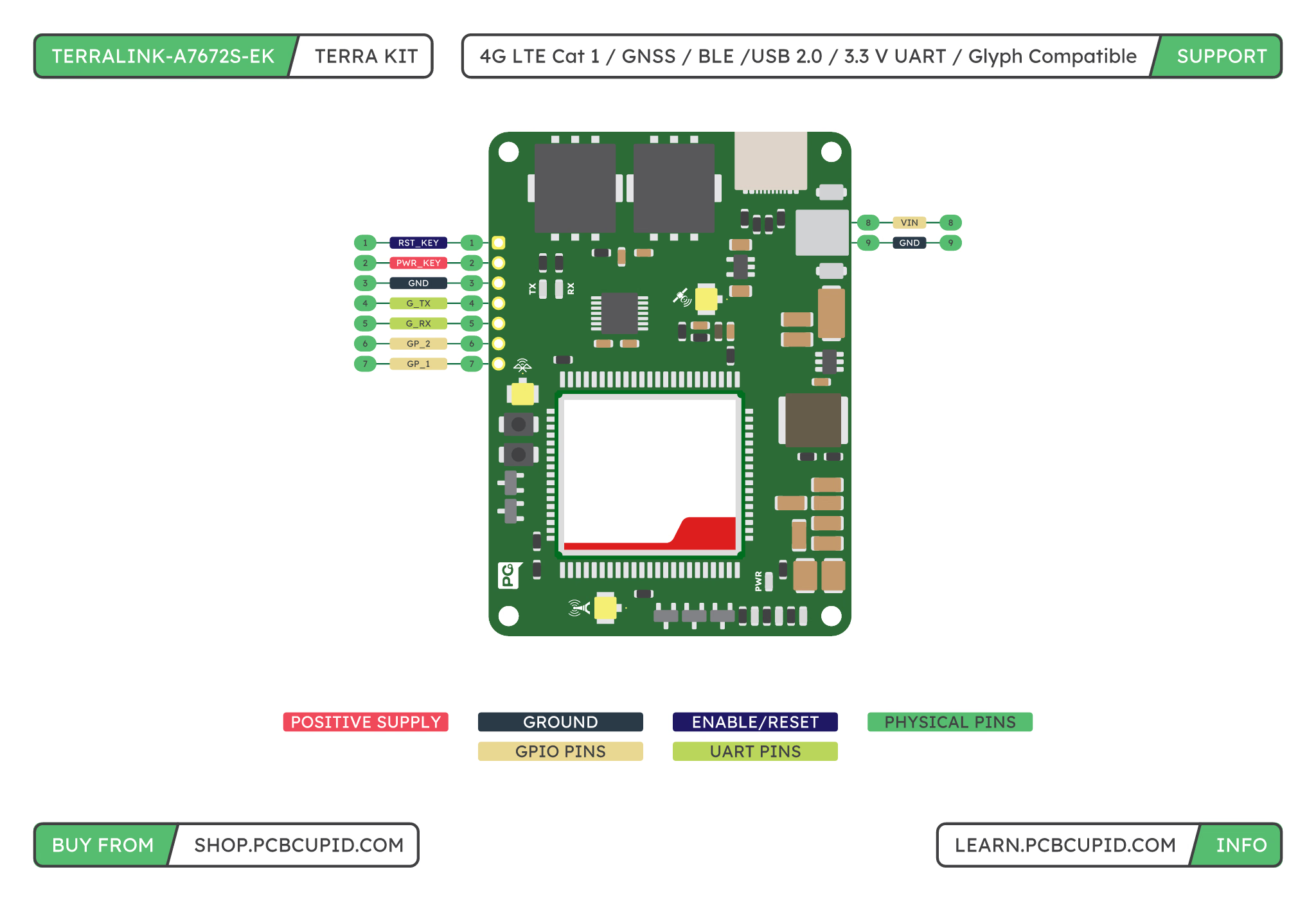
The UART header uses 3.3 V logic. The onboard translator connects it to the modem’s 1.8 V interface. The two GPIO connections also use the translated 3.3 V domain; their behavior is controlled by the modem firmware.
The names
G_TX and G_RX follow the controller side of the connection: controller TX connects to header pin 4, and controller RX connects to header pin 5. Both boards must share ground. These signals are TTL UART, not RS-232 voltage levels.Power Connections
- USB-C: Accepts USB 5 V and carries modem USB data when a data-capable cable is used.
- VIN terminal, pin 1: External 5–15 V DC supply input, as marked
5V-15Von the board silkscreen. - GND terminal, pin 2: External supply ground.
SIM and Antenna Connections
The board has two nano SIM holders, connected to the modem’s SIM1 and SIM2 interfaces. Insert or remove SIMs with board power off. Select the active SIM using the procedure supported by the installed firmware. Two holders do not establish two simultaneous cellular data connections.
Check the installed module variant and firmware for BLE and GNSS support. Antenna connectors alone do not enable optional features. Use an antenna suitable for the intended radio and frequency bands.
Buttons and Indicators
- Power key: Operates the modem’s local power-key input. Use the timing specified in the modem hardware guide.
- Reset: Operates the modem’s reset input.
- Power and activity LEDs: Provide local indication of supply and modem/UART activity. Confirm registration and connection state through modem responses.
Solder Pads and Test Points
These small exposed pads provide access for measurement, diagnostic equipment, or soldered wires. They are separate from the main controller header. Disconnect power before soldering, use short insulated wires with strain relief, and keep solder away from neighboring pads.Supply and Ground Test Pads
5V
The USB 5 V rail. Measure against GND to check USB input power. This is separate from the 5–15 V VIN terminal.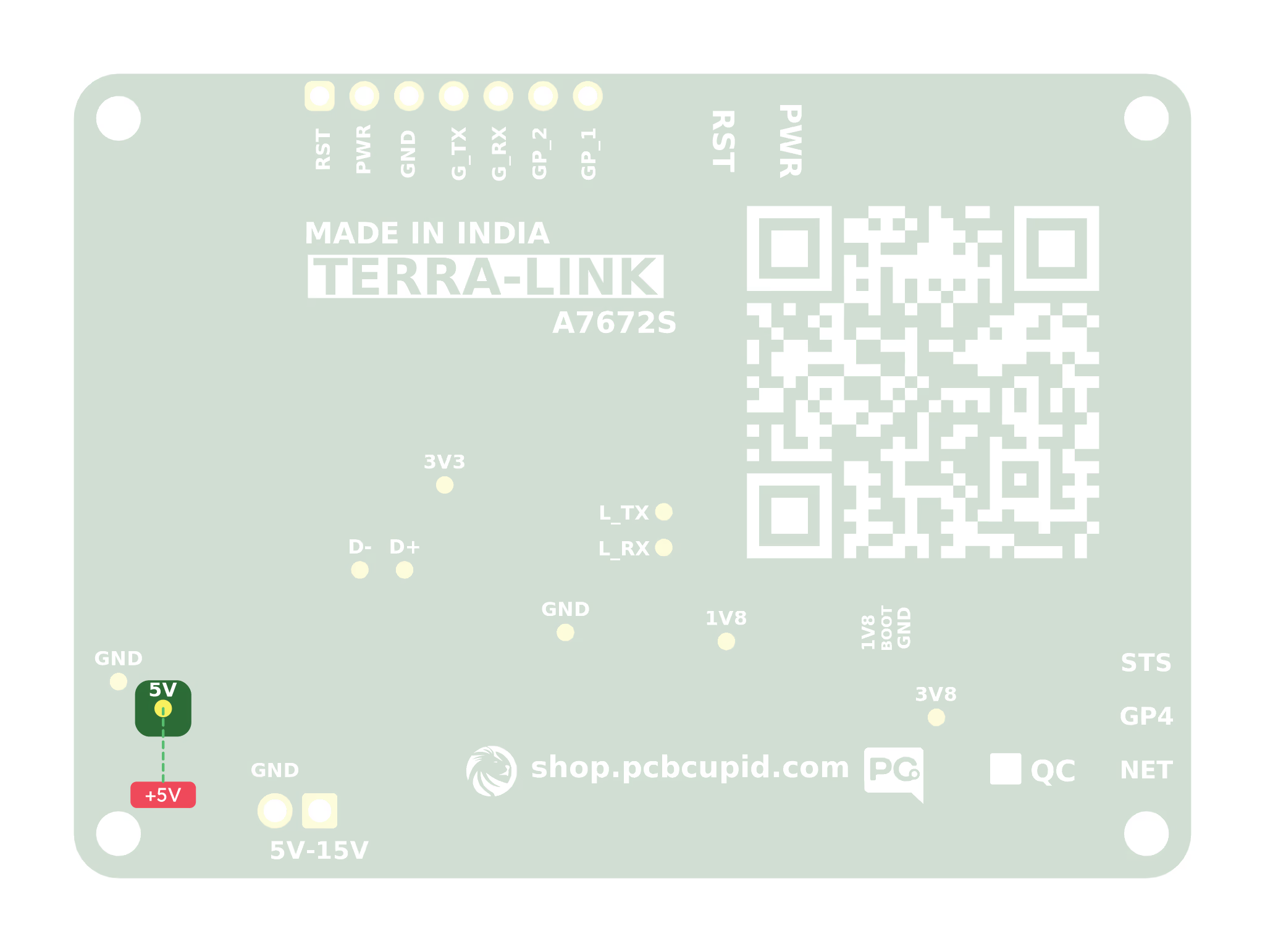
3V8
The nominal 3.8 V modem supply. Measure against GND; an oscilloscope can reveal supply dips during cellular transmission.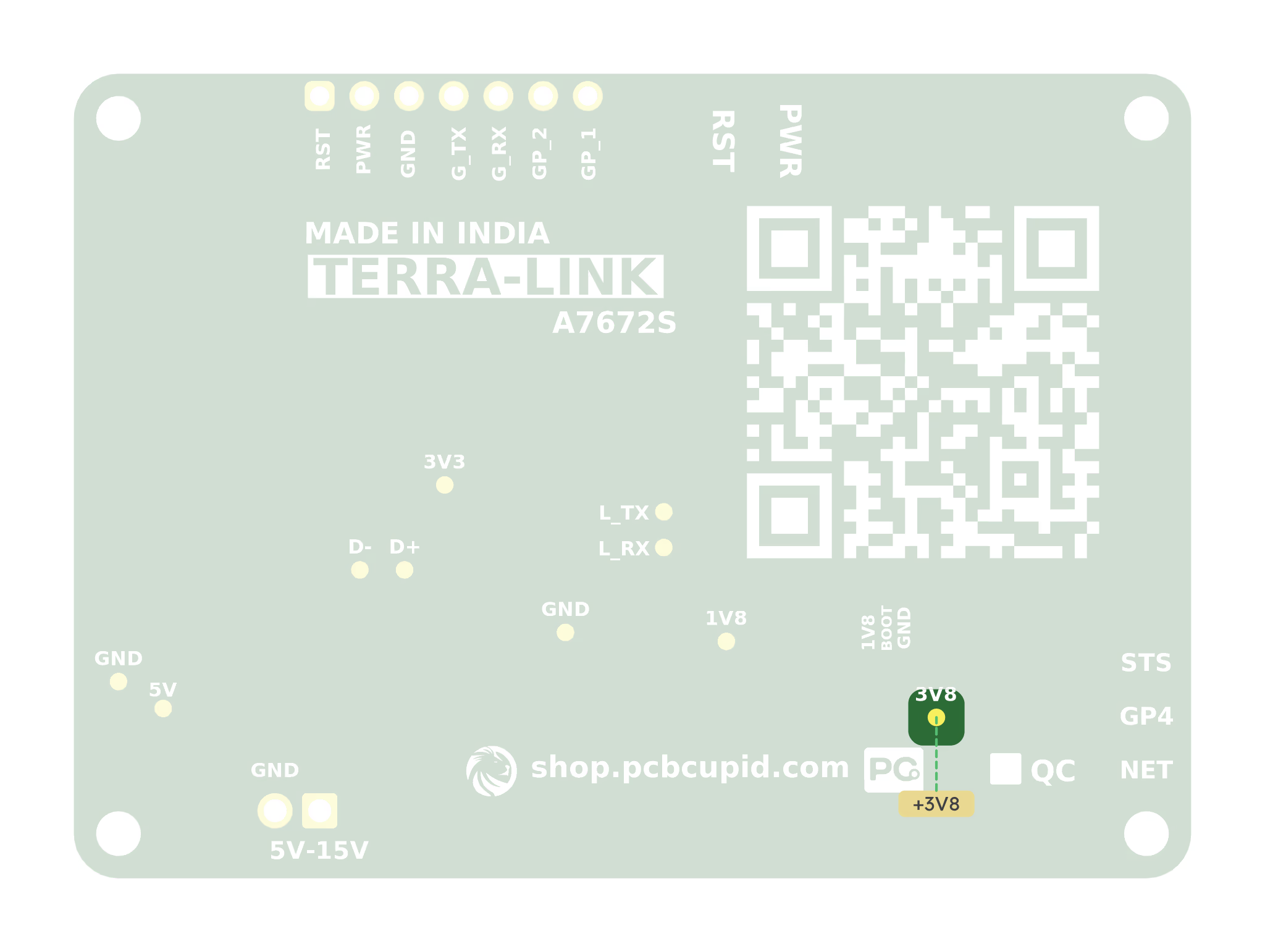
3V3
The onboard nominal 3.3 V regulator output. Measure against GND to check this rail.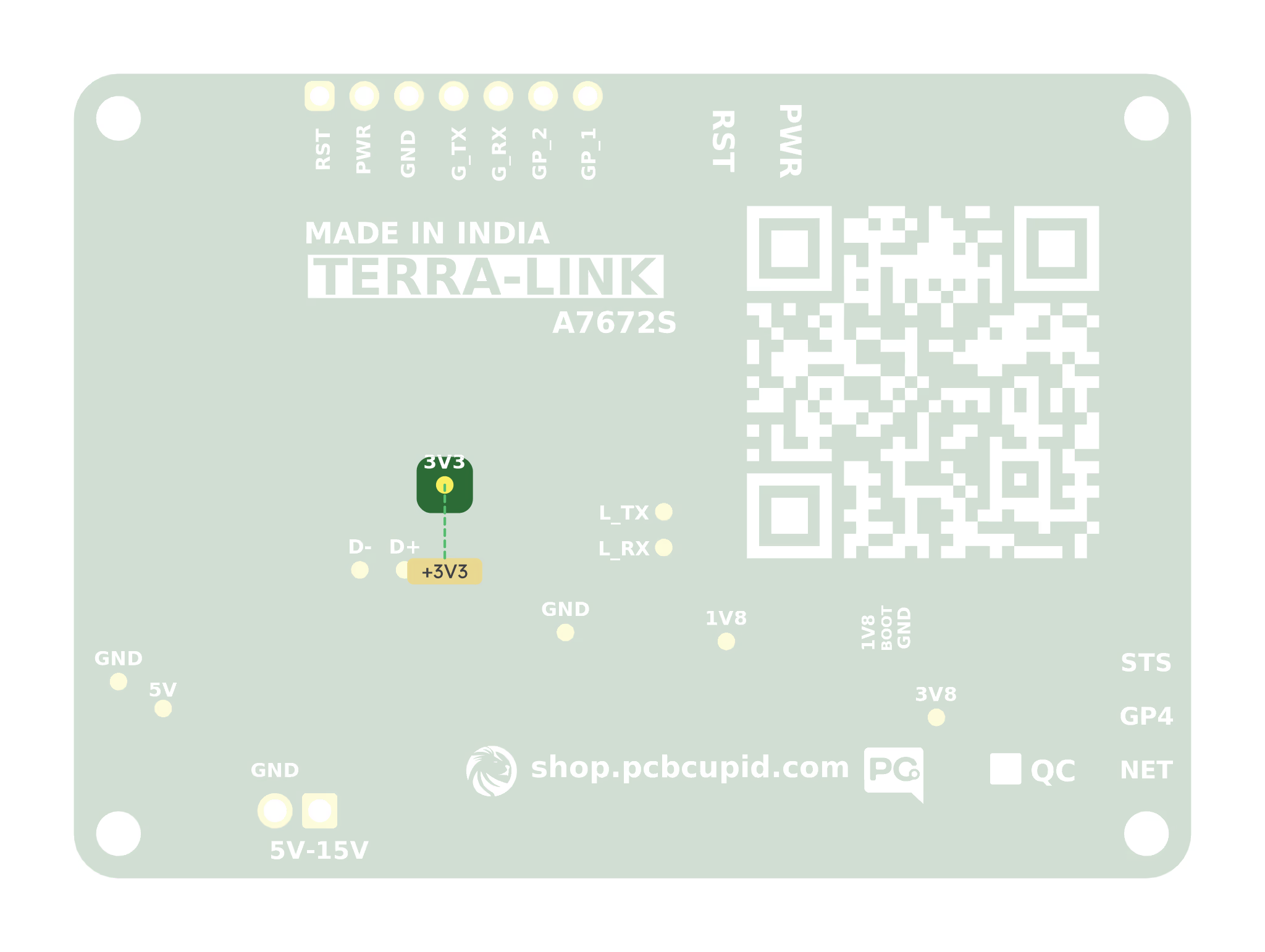
1V8
The modem-derived nominal 1.8 V rail. Measure against GND while the module is on. This measurement pad is separate from the BOOT pad group.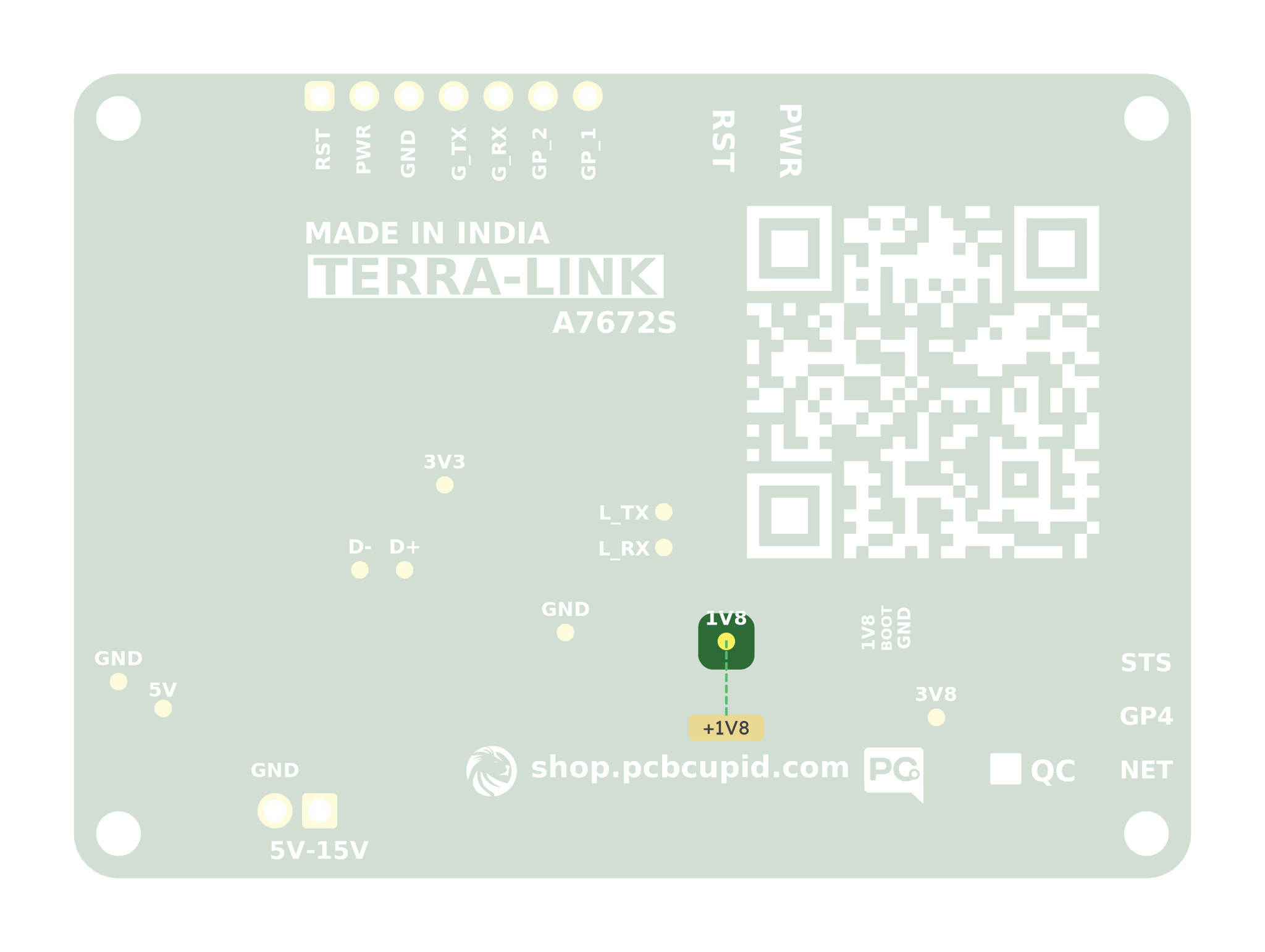
GND
One of the two ground test pads. Use it as the reference for voltage measurements or diagnostic equipment.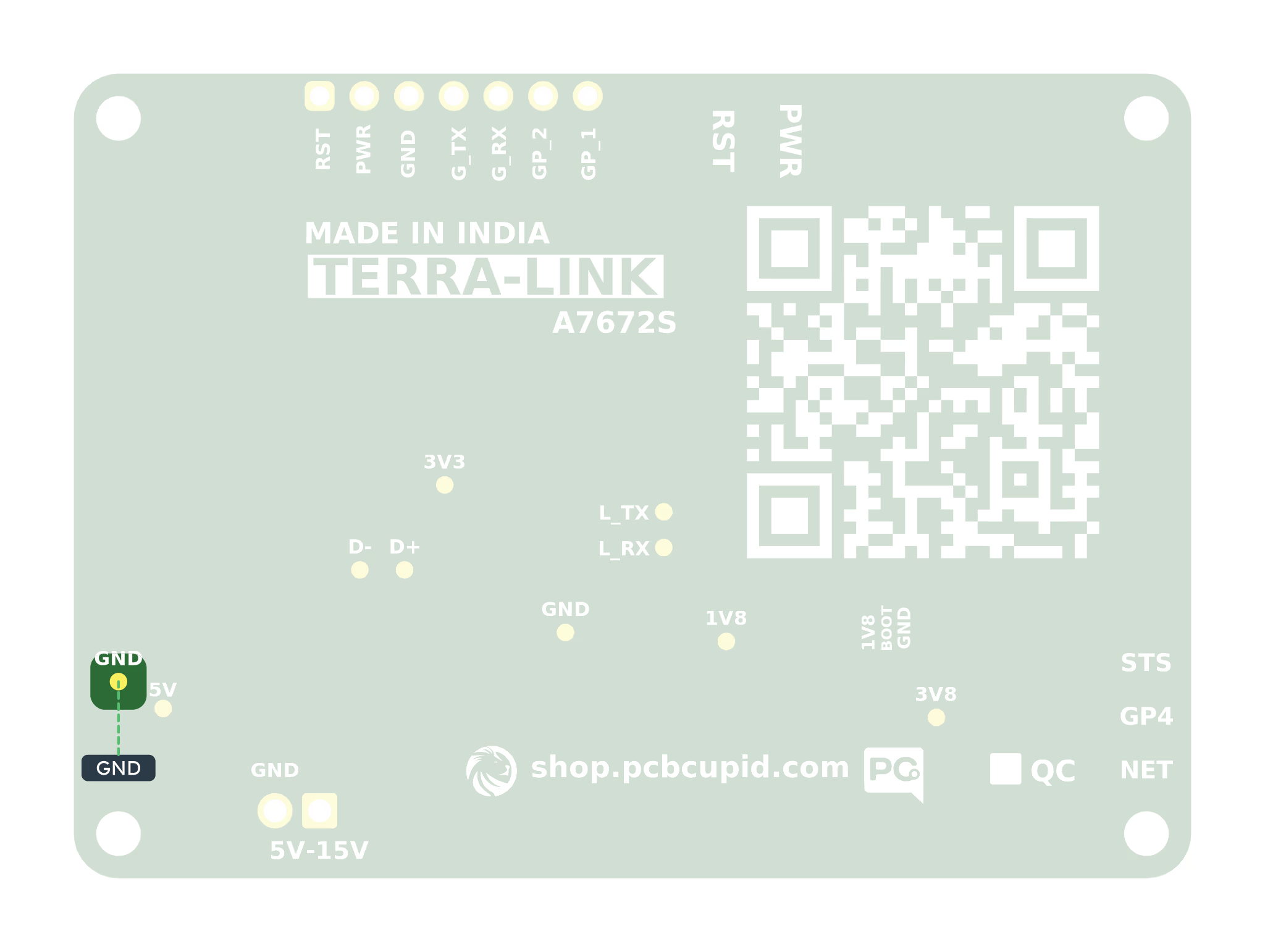
GND — Additional Ground Pad
The second ground test pad. Both ground pads connect to the same board ground.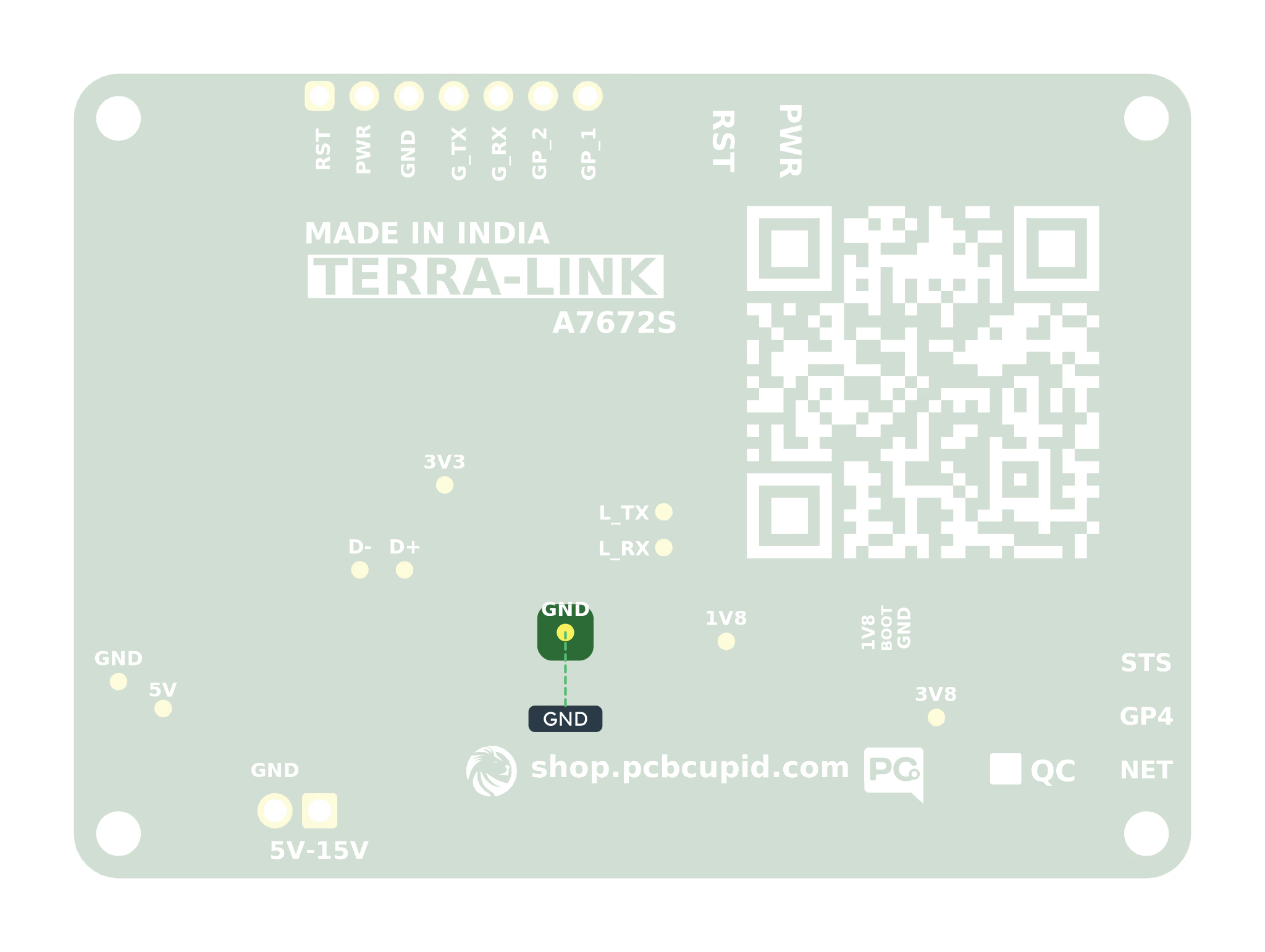
Log UART Pads: L_TX and L_RX
The A7672S log pads connect directly to the modem and bypass the main UART level translator. Treat them as native 1.8 V signals and confirm the installed module specifications before connecting equipment. Use a compatible 1.8 V UART adapter or level shifter: adapter RX →L_TX, adapter TX → L_RX, and common GND. Do not connect a 3.3 V or 5 V adapter TX directly; leave its power lead disconnected.
L_TX — Log Output
The modem sends diagnostic data on this pad. Connect it to the compatible adapter’s RX input.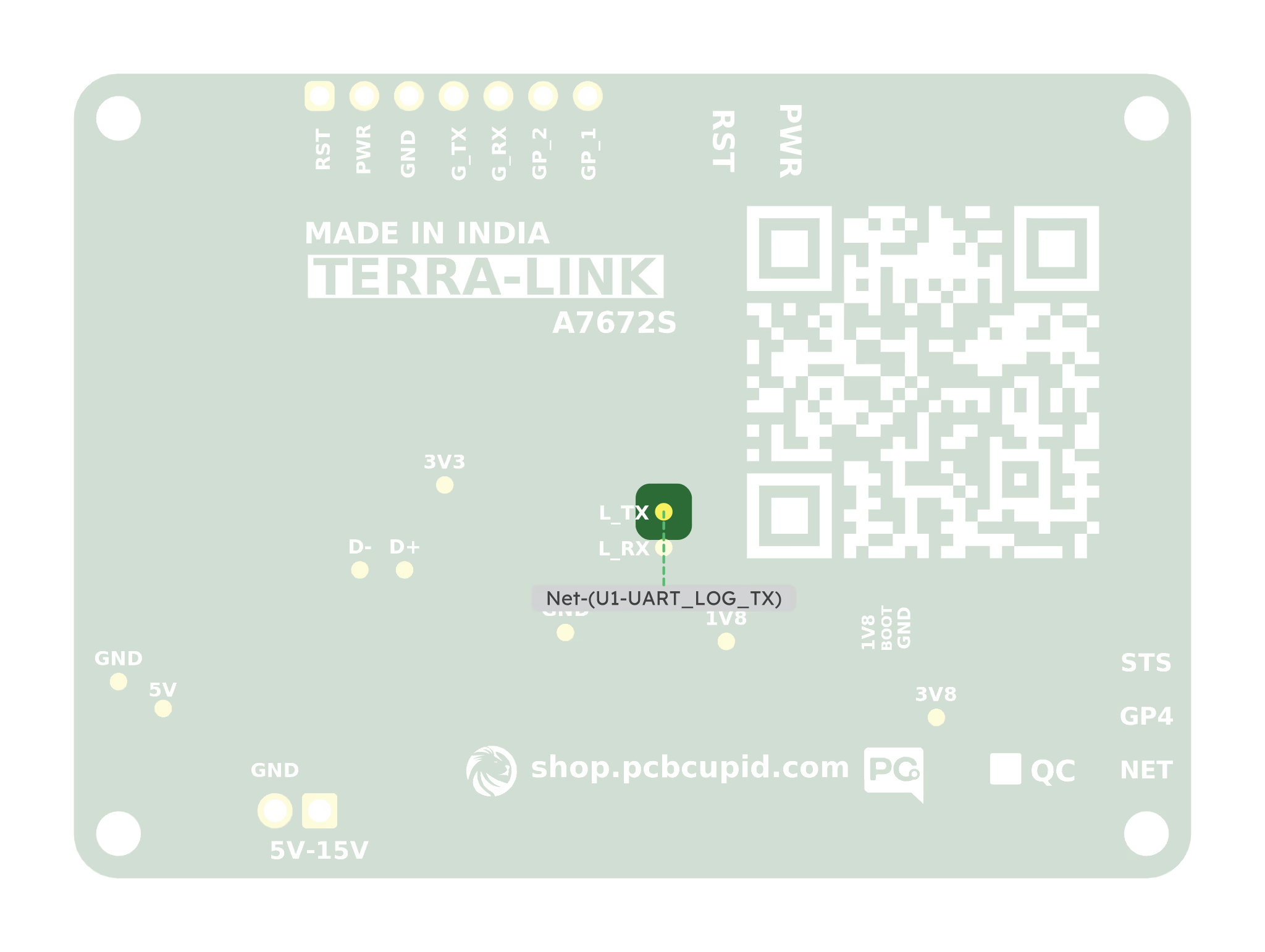
L_RX — Log Input
This pad receives diagnostic input from a compatible adapter’s TX output when required by the vendor procedure.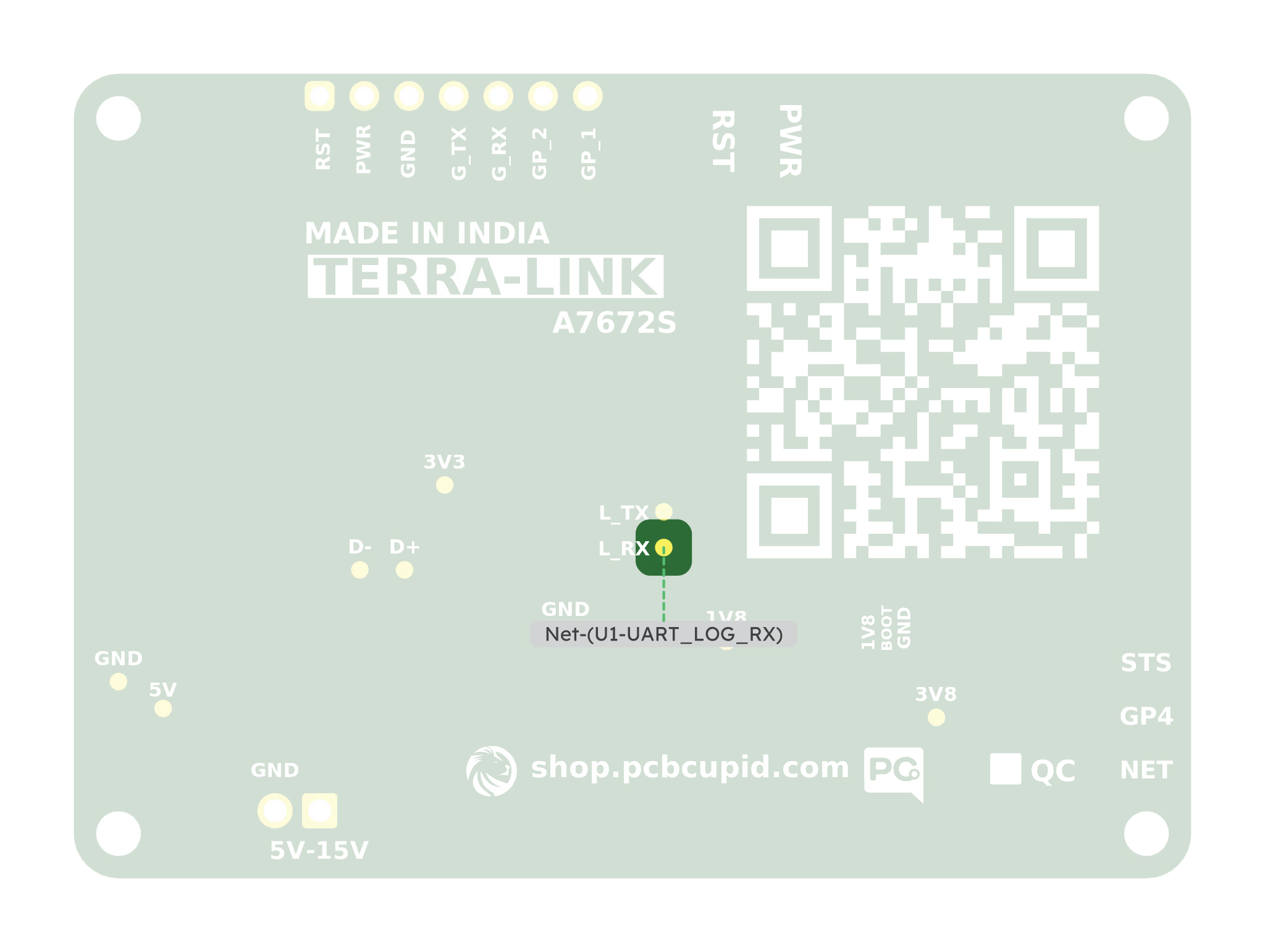
USB Data Pads: D+ and D−
D+ and D- carry USB data, not UART or GPIO signals. Prefer the USB-C connector for normal computer access and firmware updates. An alternate USB connection also needs the correct ground, VBUS/power arrangement, and USB wiring. Keep the data pair short and routed together; do not attach two USB hosts simultaneously or leave long wire branches on the USB signals.
D+ — USB Data Positive
The USB positive data signal connects to the modem’s USB_DP pin and the USB-C data connection.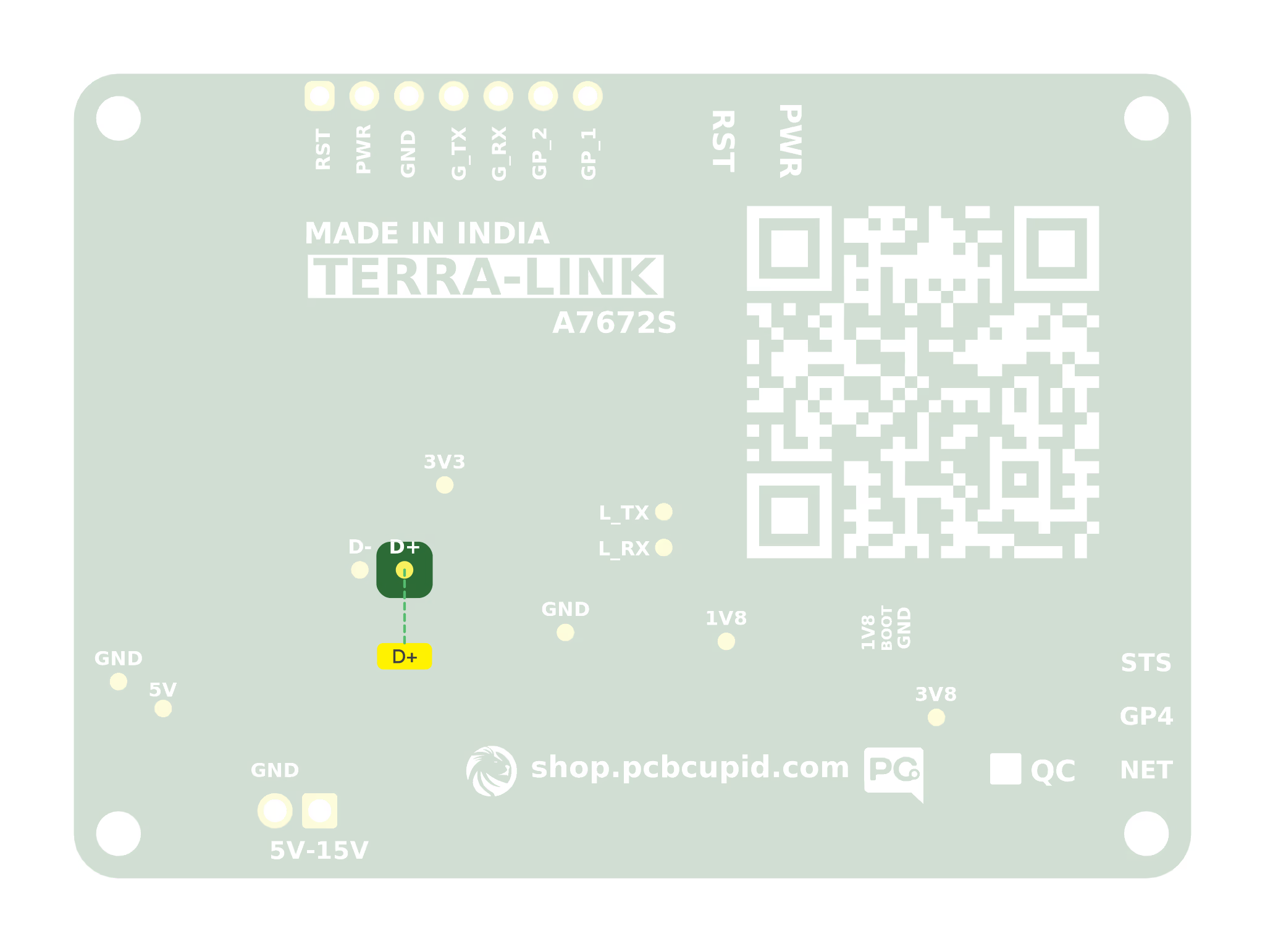
D− — USB Data Negative
The USB negative data signal connects to the modem’s USB_DM pin and the USB-C data connection. Use D+ and D− together as a USB differential pair.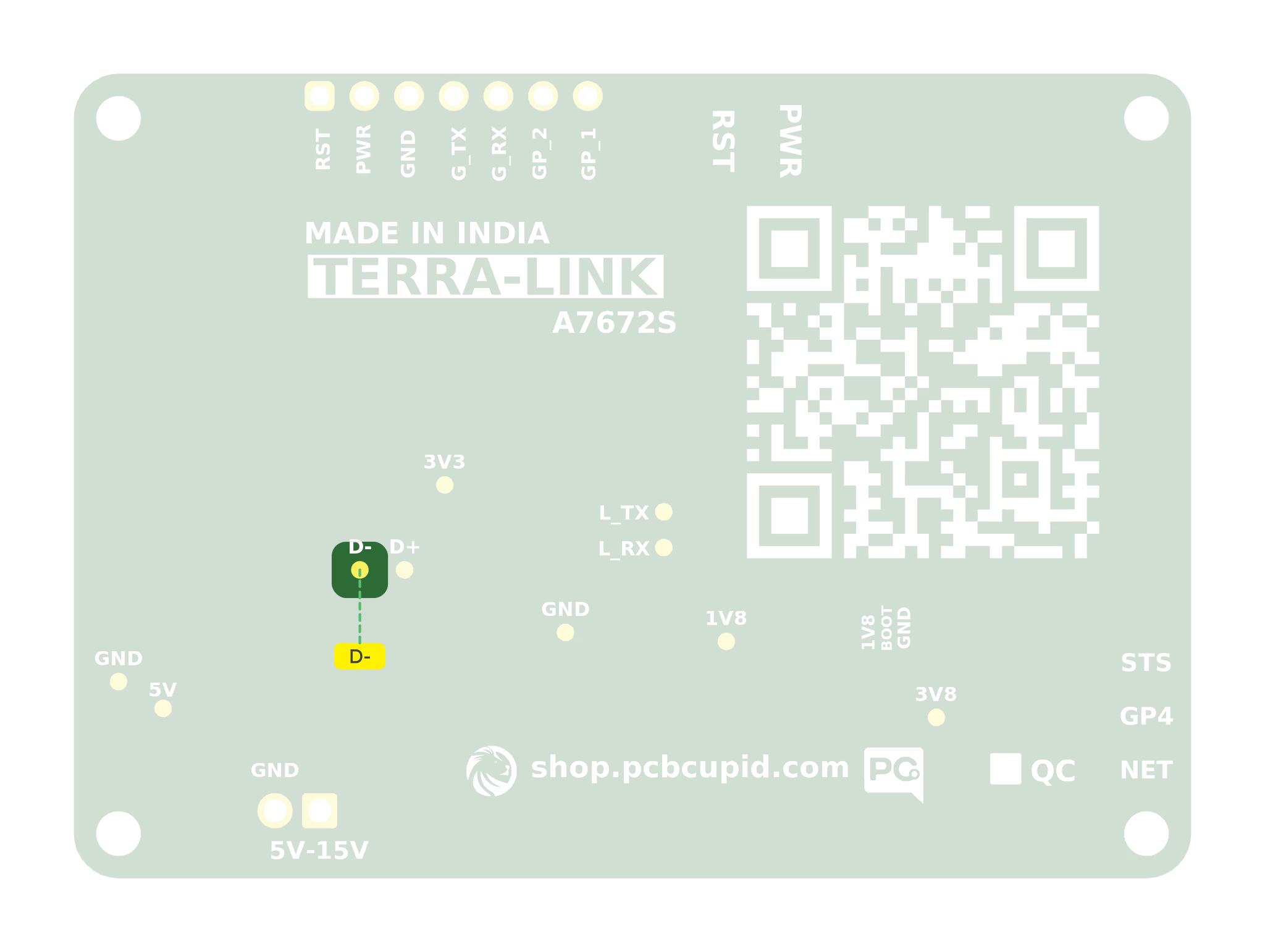
Boot-Mode Pads: 1V8, BOOT, and GND
These are three separate solder pads for accessing the modem’s USB boot-mode input. They are used for firmware download or recovery, not for normal AT-command control or programming a Glyph board.
The separate 1V8 test point elsewhere on the board is connected to the same 1.8 V rail. The pad names describe electrical connections; the correct recovery connection differs between EC200U and A7672S.
A7672S: BOOT Low for USB Download
A7672S’s USB_BOOT input has an internal pull-up. For forced USB download, temporarily connectBOOT to GND before applying power, then follow SIMCom’s reset sequence to enter download mode. Connect USB-C to the computer and use the matching SIMCom drivers, download tool, and firmware image. Release the temporary BOOT-to-GND connection after the download interface is entered, as instructed by the vendor procedure.
For normal startup, leave the separate pads unconnected so the modem’s internal pull-up can set BOOT high. Do not hold BOOT at GND during normal startup. The EC200U’s BOOT-to-1V8 recovery procedure does not apply to A7672S. Refer to A7672S Hardware Design V1.00, section 3.4.2, available through SIMCom technical files.
Continue with Programming with Glyph for the wiring table and first communication test.